
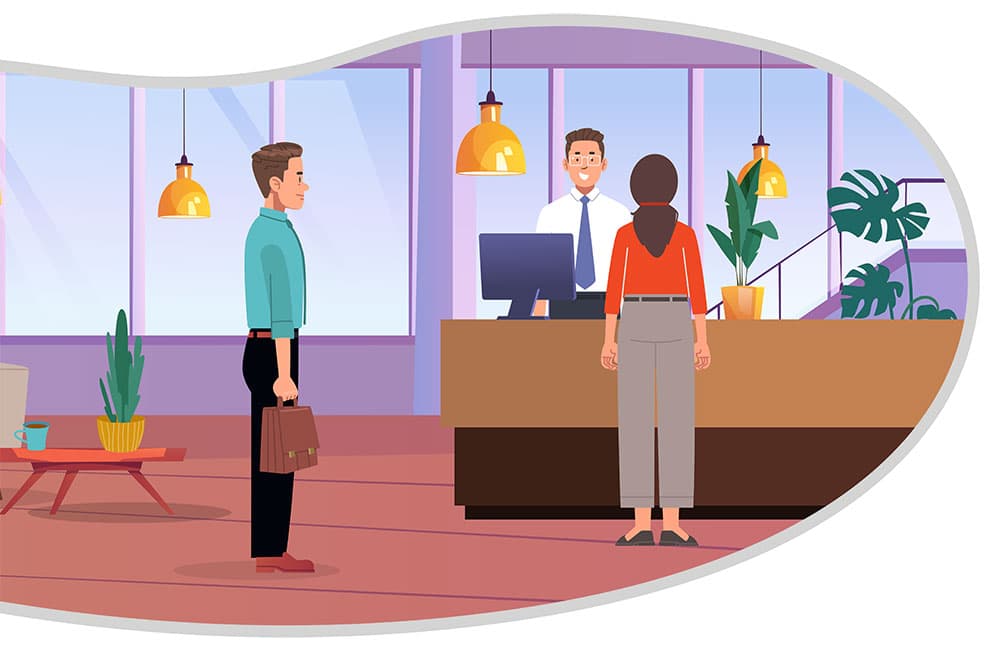
First impressions matter — especially when someone walks into your place of business. One of the first things a person may see & interact with when entering your facility is your visitor check in system. A visitor check in system is more than just a fancy upgrade; it’s a necessity for security, compliance, and professionalism. It enhances facility security, improves operational efficiency, and elevates the visitor experience by providing a smooth check in process.
In this post, we’ll explore everything you need to know about visitor check in systems, their benefits, what features to look for when choosing the right option, and how to get approval for purchasing one for your facility.
What Is a Visitor Check In System?
A visitor check in system is a digital tool designed to manage and streamline the process of welcoming guests to workplaces such as hospitals, businesses, and schools. It typically replaces outdated paper logbooks with user-friendly digital interfaces. These systems usually include software and hardware components such as printers and driver’s license readers.
Benefits of Implementing a Visitor Check In System
1. Know who is in your building.
One of the most fundamental benefits of a visitor check in system is having awareness of every person inside your facility. It captures detailed records of each visit—including names, check in/check out times, photo ID, host information, and reason for the visit. This reduces risk, liability, and provides enhanced security.
2. Get the live status of all visitors.
A key advantage of having a visitor check in system is the ability to monitor visitor status in real time. With a centralized dashboard, front desk staff and security teams can instantly see who is currently checked in, where they are expected to be, and how long they’ve been onsite.
3. Print professional-looking visitor badges for your guests to wear.
A visitor check in solution elevates the guest check in experience by replacing clipboards and paper logs with digital sign-in screens. Visitors appreciate the professionalism of a quick, guided process — especially when they receive personalized visitor badges.
4. Standardize the way you register your visitors.
A visitor check in system allows your organization to log the driver’s license information of every visitor, with a reader that captures the name in seconds. This allows you to uniformly capture critical information of every visitor in a mistake-proof manner.
5. Maintain a database of all past visitor traffic.
Visitor information is stored in a computer database in the cloud, which allows you to search, sort, analyze, and retrieve visitor data for any given time frame and generate visitor activity reports. These reports tell how many times a visitor signed-in, signed out, who they were there to see, how often, and when. That information is critical during security investigations, auditing billing hours of vendors and contractors, and planning front desk staff coverage because your facility knows when it is busiest.
6. Control emergency response.
In an emergency, knowing who’s in the building can save lives. In case of an evacuation or other emergency, you can print reports with the touch of a button. A list of all non-employees on the premises can be passed to Fire/Police personnel, ensuring no visitor is left behind during critical situations. The reports are also valuable for the investigation that follows an emergency.
Key Features of a Visitor Check In System
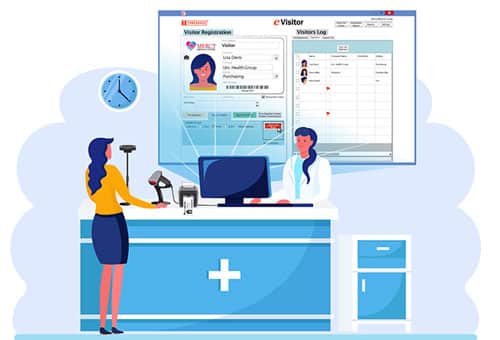
- ID Verification: Confirm identity through scanning government-issued IDs. The system should be able to read a driver’s license and capture the visitor’s photo.
- Badge Printing: Print professional-looking, branded, time-stamped visitor badges on arrival.
- Customization: Tailor the sign-in process, branding, and hold harmless/liability agreement to suit your organization’s needs. Custom dropdown menus help you categorize visitors however you want, i.e. VISITOR, VENDOR, EMERGENCY, OUTPATIENT, etc.
- Multi-Facility: Be able to track a visitor’s presence across multiple facilities. Allows connectivity between your facilities to share flags/alerts and consolidate visitor distribution reports.
- Sex-Offender Database Lookup: This is a feature popular with schools. The service connects software users to sex offender registries to make sure a person that comes up as a match doesn’t have access to the building.
How to get approval for purchasing a visitor check in system
Let’s say you’ve been tasked with building a case for implementing a visitor management system, researching options, and providing your recommendation. Those steps are just the start of the process. You also need to get the appropriate people to agree on the decision. Here are some things to consider as you navigate the process and tips for being prepared along the way.
1. Know the product offerings completely
Make sure you understand all the pertinent features of the product (that is, what it does). Visitor management systems range in security function complexity performing such tasks as signing-in, accessing data, reporting, and ease of implementing once purchased. In addition to the features, make sure you can articulate each of the benefits (that is, what it allows your organization to do).
2. Establish who in the organization needs to be convinced
Determine which people in your facility need to buy into this idea. Who are the decision makers? They often vary between businesses, hospitals, and schools. You need to identify who are the most influential people in your facility capable of making this type of decision. In addition to the decision-makers, you’ll need to speak with the people who will ultimately be responsible for integration, upkeep, and support. Everyone should be on-board with the new tool and understand why it’s a good idea.
3. Develop the presentation
When developing the presentation for your visitor check in system recommendation, think about it in terms business goals and what success looks like (including the types of data that will be tracked). The main question that should be answered is “what are the overall benefits of implementing this visitor check in system”? The answer needs to be a clear, concise rationale for implementing the selection. Factors can include how security is increased, speed of sign-in, and efficiency of the front desk receptionist.
4. Have a meeting to present the idea and start the conversations
After you’ve done the research, identified the people affected, thought about your internal team’s needs, and prepared for answers to any risks, it’s time to start conversations with all the stakeholders. Be prepared and don’t give up. There are bound to be bumps along the way to approval, no matter how prepared you are.
5. Be ready for continuous follow-up after implementation
Changes in a facility’s security culture don’t happen overnight. After receiving approval for the purchase, conducting the correct training for each stakeholder in the process, and ultimately implementing the visitor check in system, you should be ready to follow-up moving forward. Make sure each stakeholder is comfortable with the new tool and process. Arrange additional training if needed.
Conclusion
A visitor check in system does more than just sign people in — it transforms your workplace experience for visitors. From enhanced security to improved guest satisfaction, it’s a smart investment for any modern organization. If you’re still relying on paper logs, now is the time to make the switch.
Start by assessing your needs and choosing a solution that fits your environment and goals. Your visitors — and your front desk — will thank you.
eVisitor Software is a stand-alone visitor management systems that can affordably increase your facility security and help you always know who is in your building. eVisitor makes it easy for facilities to log, identify, track, and run reports on visitors. Watch this video to learn more, then request a free demo today!



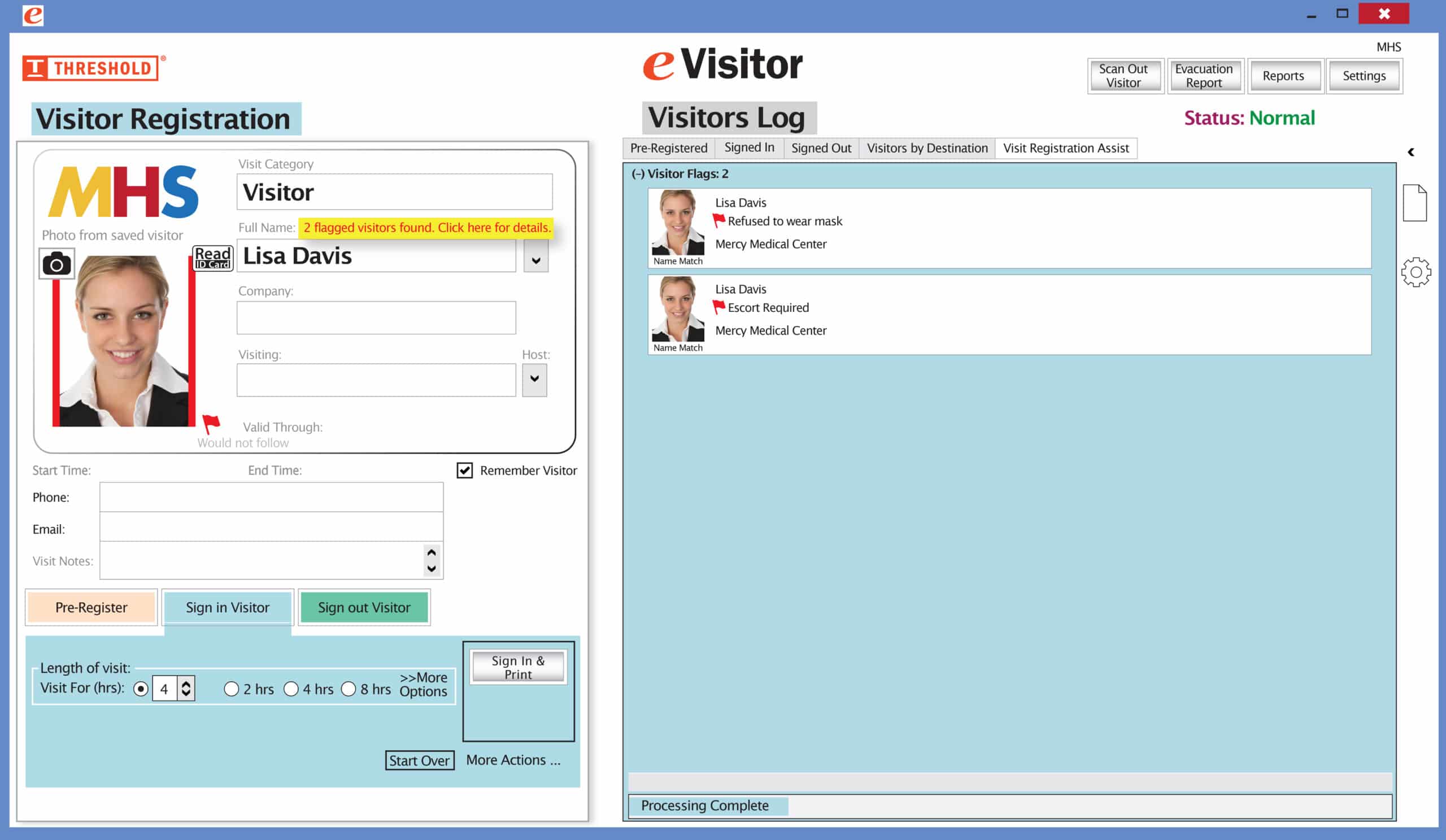 It’s easy and free to activate this feature. Simply call us and ask for “Red Flag, No Badge” to be turned on. Once it’s on, the above pop-up will come up when a red flagged visitor comes back. No badge will print and the attendant will need to follow the facility’s policy for handling red flagged visitors.