
THRESHOLD will be closed for the holidays on December 24th – 26th and January 1st, 2026. 

11 Questions Hospital Security Directors Should Ask When Considering A Visitor Management System

visitor management system, hospital security

Hospital Security Directors need to consider many different facets of security as part of their jobs. One is visitor management. Knowing who is coming in and out of the building and who is in the healthcare facility at any given time are important to know. If a Hospital Security Director is considering purchasing a visitor management system, they need to ask themselves some questions before actually making the decision. Here are 11 visitor management questions that Hospital Security Directors should ask themselves:

  1. What visitor management protocol do we currently have in place now? Understanding the current state of what is working and not working is a good first step before evaluating actual options.
  2. Does the electronic visitor management software need to tie into my facility’s EMR?
  3. Do I need to badge all visitors through our main lobby?
  4. If I don’t need to badge all visitors through the main lobby, do I want to badge just certain floors (e.g. Maternity) or during certain times of the day (e.g. after hours)?
  5. Will visitors be required to wear a hospital badge at all times while they are on the facility’s property?
  6. Do I expect my visitors to sign out when leaving the facility?
  7. Would an expiring badge be appropriate in our hospital setting?
  8. How many entrances do we have open to the public? If there are multiple entrances, you will need a visitor documentation solution at each entry location.
  9. How many visitors do we get on a daily basis? Monthly basis? Knowing the expected number of visitors will help ensure you have enough visitor badges on hand with proper planning.
  10. What will my facility’s protocol be if we lose power? Having a low-tech, quality back-up system will ensure that you can maintain a secure visitor management process until the power comes back on.
  11. What is the timeline for implementing something new?

eVisitor Software is a stand-along visitor management systems that can affordably increase your facility security and help you always know who is in your building. eVisitor makes it easy for facilities to log, identify, track, and run reports on visitors. Watch this video to learn more, then request a free demo today!

Picture of Paul Kazlauskas

Paul Kazlauskas

Paul joined Threshold in 2001 after graduating from Bryant University. After a few years in the Sales Department, Paul transitioned to the Marketing Team in 2005. Over the years, Paul has worked on developing & launching new products, been the designer of customer communication emails, and launched numerous web sites for the Threshold product line. Since 2011, Paul Kazlauskas has been deeply involved in the security and visitor management industry, writing extensively about emerging technologies, market trends, and best practices that shape the field. In addition to his editorial experience, he actively represents his organization at major security trade shows and in-person events, where he connects with industry leaders, explores innovative solutions, and strengthens relationships with customers. His work reflects a hands-on understanding of both the business and technical sides of the industry, earned through years of direct engagement and thought leadership within the security community. A native of Connecticut, Paul enjoys outdoor activities like kayaking, golfing & hiking, as well as spending time with his son and coaching his soccer and baseball teams.
Picture of Paul Kazlauskas

Paul Kazlauskas

Paul joined Threshold in 2001 after graduating from Bryant University. After a few years in the Sales Department, Paul transitioned to the Marketing Team in 2005. Over the years, Paul has worked on developing & launching new products, been the designer of customer communication emails, and launched numerous web sites for the Threshold product line. Since 2011, Paul Kazlauskas has been deeply involved in the security and visitor management industry, writing extensively about emerging technologies, market trends, and best practices that shape the field. In addition to his editorial experience, he actively represents his organization at major security trade shows and in-person events, where he connects with industry leaders, explores innovative solutions, and strengthens relationships with customers. His work reflects a hands-on understanding of both the business and technical sides of the industry, earned through years of direct engagement and thought leadership within the security community. A native of Connecticut, Paul enjoys outdoor activities like kayaking, golfing & hiking, as well as spending time with his son and coaching his soccer and baseball teams.

Subscribe to THRESHOLD Updates

[searchwp_form id=2]

Get 20% of your 1st order* and stay connected to industry news!

Receive product news, industry trends, & offers via email.

Get 20% OFF your 1st order for signing up!
*New customers only. Distributor pricing is excluded.

*The discount code from this offer can not be used with other offers.

You can unsubscribe at any time.

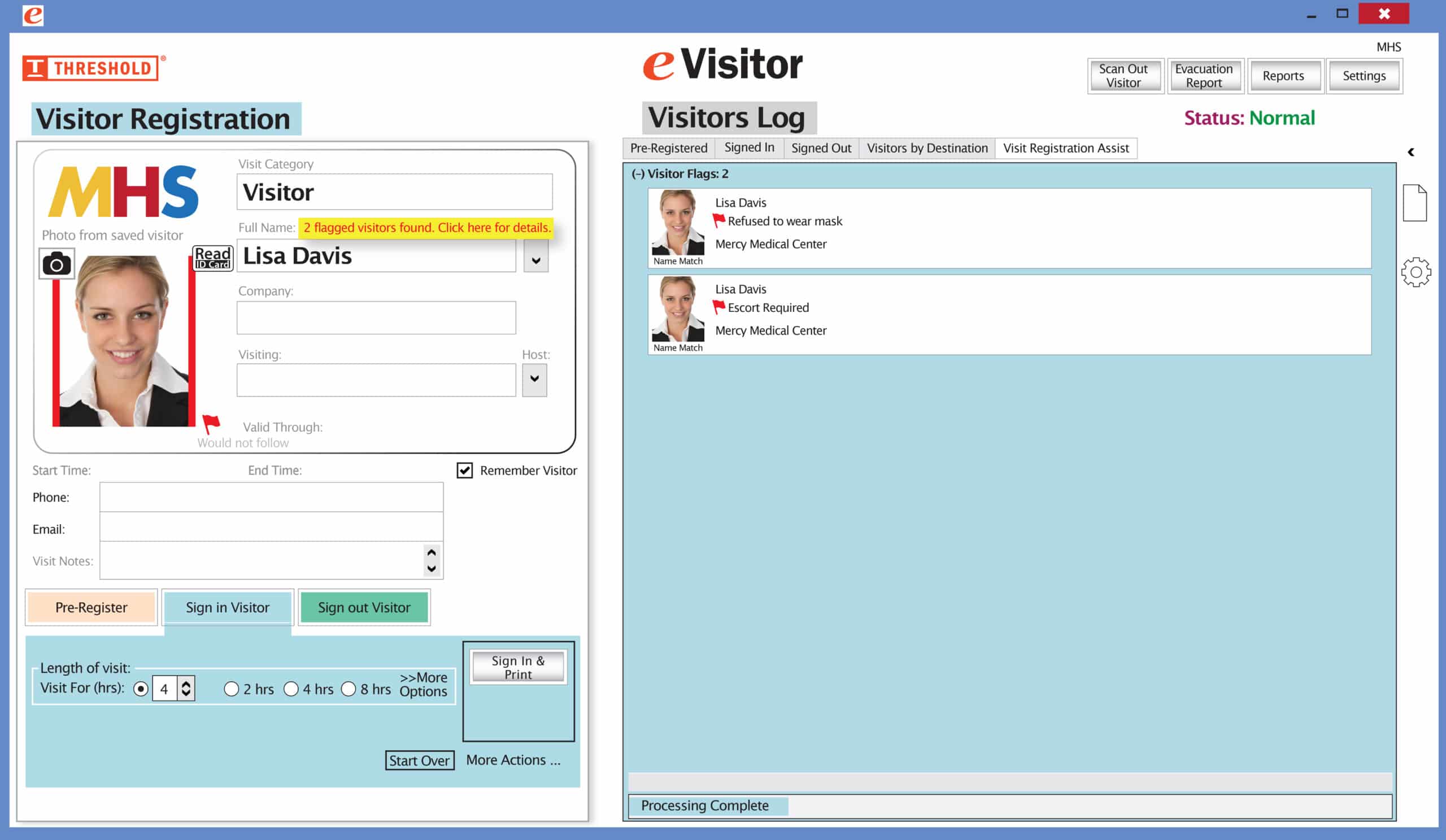
    The Red Flag feature has been improved! Now you can set your system to not print a badge for any visitor record that has been previously marked with a Red Flag. The attendant will be prompted to redirect the visitor according to your security protocol.

    Special New Feature: Red Flag, No Badge

    Flag alerts It’s easy and free to activate this feature. Simply call us and ask for “Red Flag, No Badge” to be turned on. Once it’s on, the above pop-up will come up when a red flagged visitor comes back. No badge will print and the attendant will need to follow the facility’s policy for handling red flagged visitors.

    The flags and notes only show to the desk attendant, not the visitor. 

    Please contact eVisitor Support with any questions on how to use Flags in your system. 

    If you have seen a special offer in our advertising, mailings, or emails, this is the area to enter the Promo Code to receive that offer. After you’ve entered the Promo Code, click “Update cart” for the code to take effect. If you have any questions, please call 1-800-243-1969.