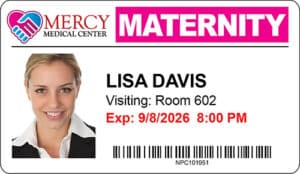
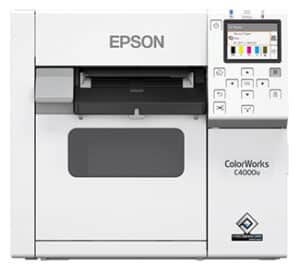


Choosing the right visitor badge printer can make a big difference in how smoothly your visitor management system runs day to day. The right printer saves time at the front desk, keeps costs constant, and ensures visitor badges are clear and professional.
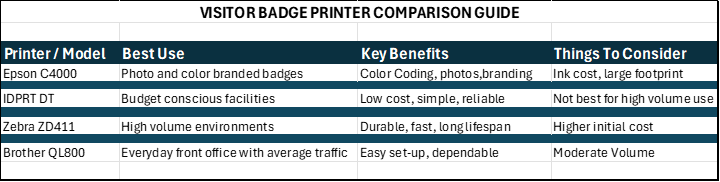
Schools and hospitals typically choose direct thermal printers for their speed, reliability, and low cost per badge, while color inkjet printers are better suited for organizations that require photo IDs or full-color branding.
With several printer options available, the decision can feel overwhelming. These simple steps will walk you through the key choices and help you select the printer that best fits your environment.
Step 1: Which Is Better for Visitor Badges: Color Inkjet or Direct Thermal?
The first decision is whether you need color inkjet printing or direct thermal printing.
🌈 Color Inkjet Printers
Best for: Environments where full-color badges and quality visitor photos matter.
Color inkjet printers are a good option when you want visitor badges that include:
- Full-color logos
- Visitor photos
- Branded designs
Pros
- Vivid, high-quality color
- Ideal for photo ID badges
Cons
- Ink cartridges increase ongoing costs
- Slower printing compared to thermal options
⚫ Direct Thermal Printers
Best for: Everyday visitor badges printed in black and white.
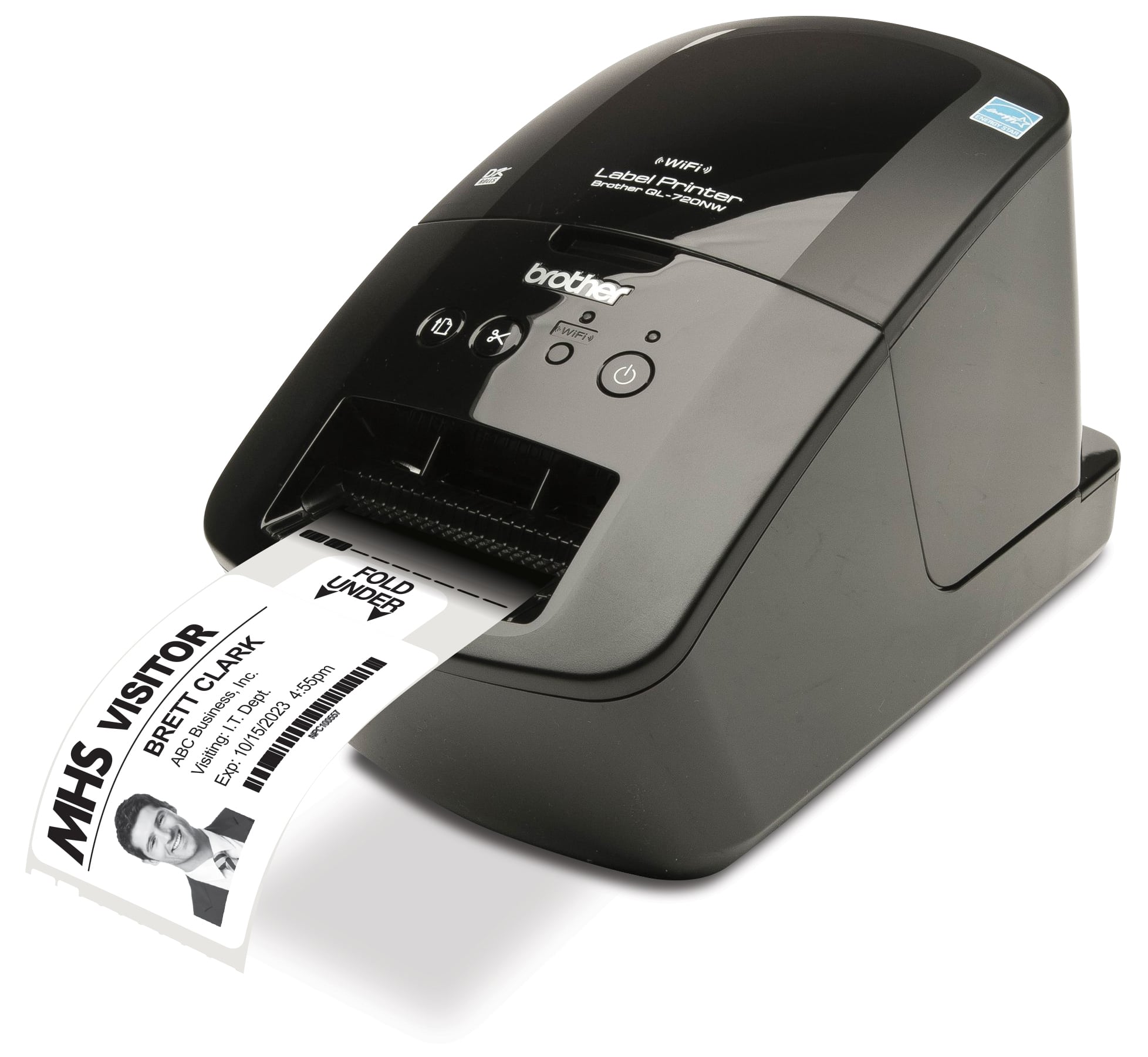
Direct thermal printers use heat-activated label stock, so there’s no ink or toner required. This makes them a popular choice for schools, hospitals, and busy front offices.
Pros
- Fast printing
- Lower cost per badge
- Highly reliable for high-volume use
Cons
- Black-and-white only
- Not ideal for full-color branding or photo badges
Bottom line:
If your badges don’t require color photos or logos, direct thermal printers are a cost-effective and reliable choice.
Step 2: If You Choose Direct Thermal, Which Printer Is Right for You?
Once you’ve decided on direct thermal printing, the next step is choosing the right model. Here are three excellent options, ranging from budget-friendly to heavy-duty performance.
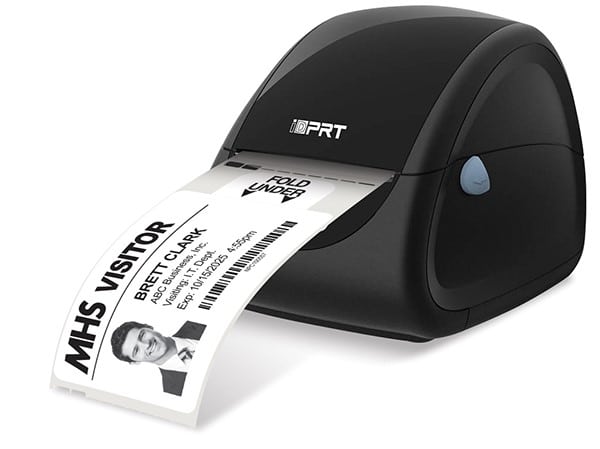
Economical Choice: IDPRT Direct Thermal Series
Ideal if:
- You want a low-cost starter printer
- Your daily badge volume is low to moderate
- You want solid reliability without stretching your budget
Why customers choose it:
- Great price point
- Easy to set up and use
- Reliable performance for everyday visitor badges
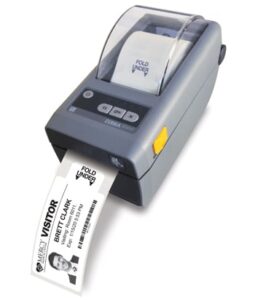
Dependable Choice: Zebra ZD411
Ideal if:
- You print a high volume of badges every day
- You need industrial-grade reliability
- Your front office sees constant traffic
Why customers choose it:
- Designed for continuous, high-volume printing
- Excellent support and parts availability
- Trusted by schools and healthcare facilities nationwide
Popular Mid-Range Choice: Brother QL-800
Ideal if:
- You want strong performance with broad compatibility
- You value easy setup and user-friendly operation
- You print badges regularly but don’t need industrial capacity
Why customers choose it:
- Plug-and-play setup
- Fast, reliable printing
- Great balance of cost and performance
Need Help Choosing?
Every organization is different. Badge volume, staffing, and visitor flow all play a role in choosing the right printer.
If you’d like help deciding, reach out to our team — we’re happy to recommend the best option for your situation and usage level.
Your visitor management experience should be smooth from sign-in to badge printing — and we’re here to help make that happen.
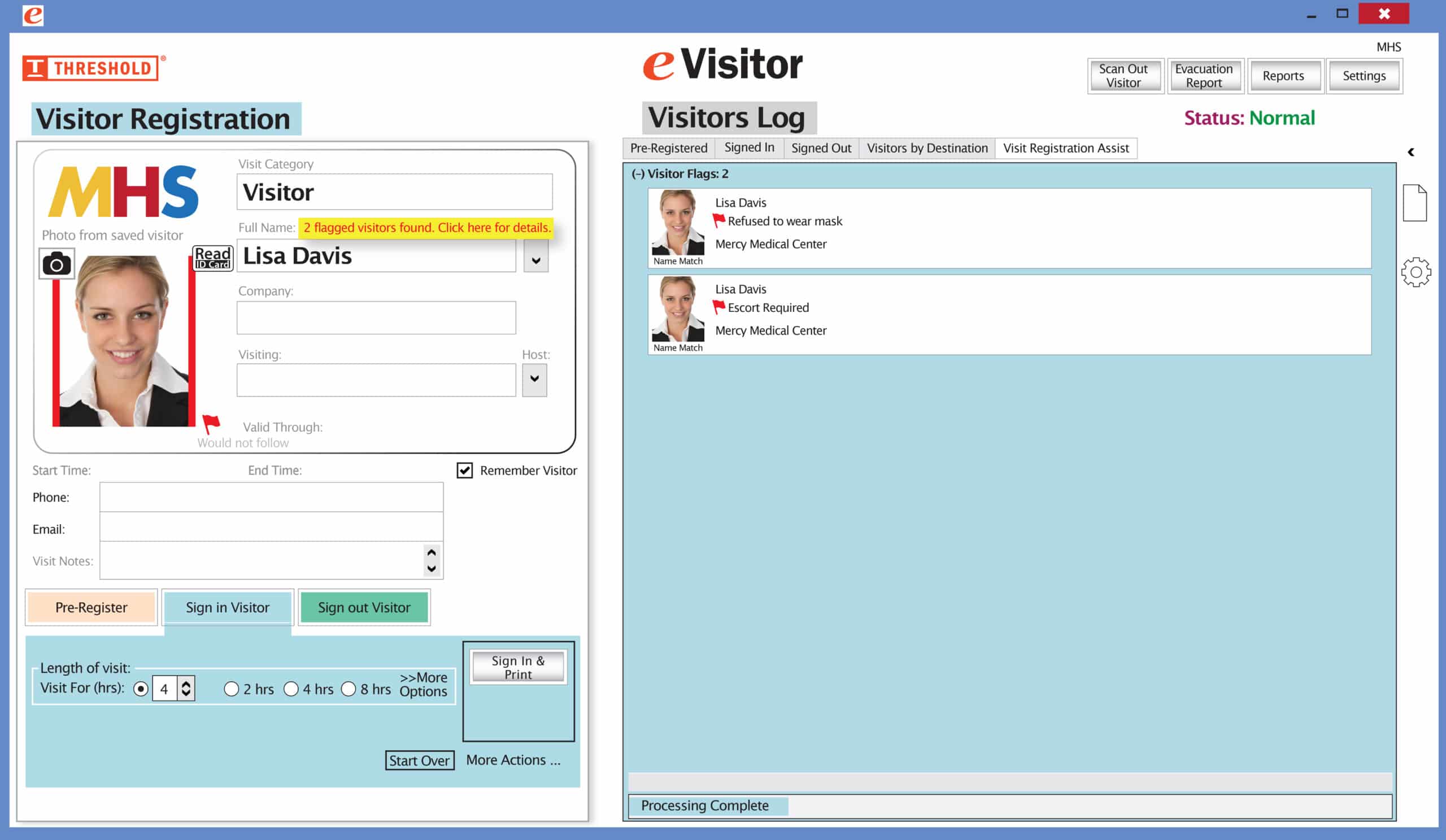
It’s easy and free to activate this feature. Simply call us and ask for “Red Flag, No Badge” to be turned on. Once it’s on, the above pop-up will come up when a red flagged visitor comes back. No badge will print and the attendant will need to follow the facility’s policy for handling red flagged visitors.